
Court Helper Analysis
See the Game Behind the Result.
Player Position. Ball Placement. Movement. Decisions. Patterns.
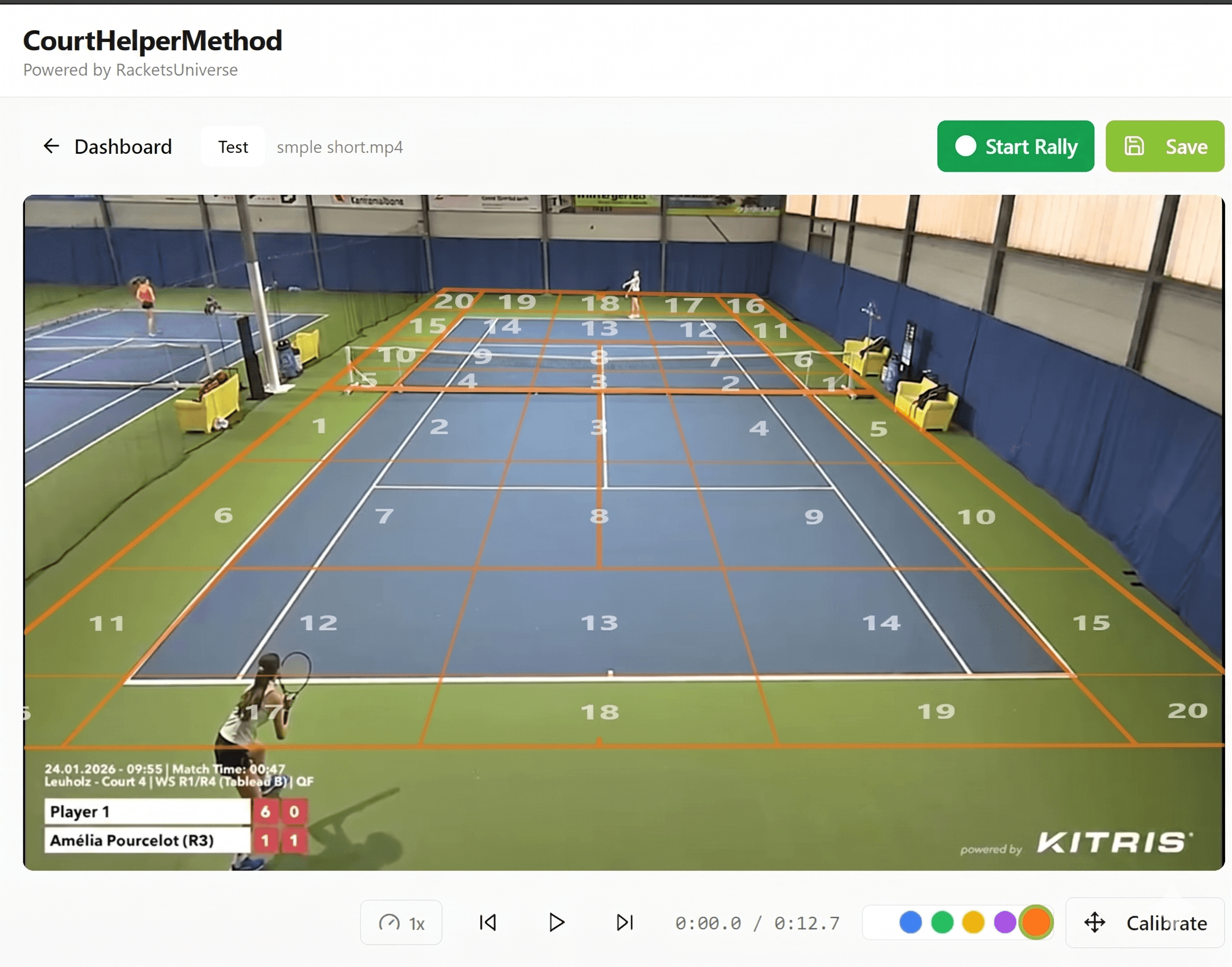
Using the Court Helper Zone System, every player position and ball placement is assigned to a specific zone on the court, making decision-making, movement patterns and point development measurable and visible.
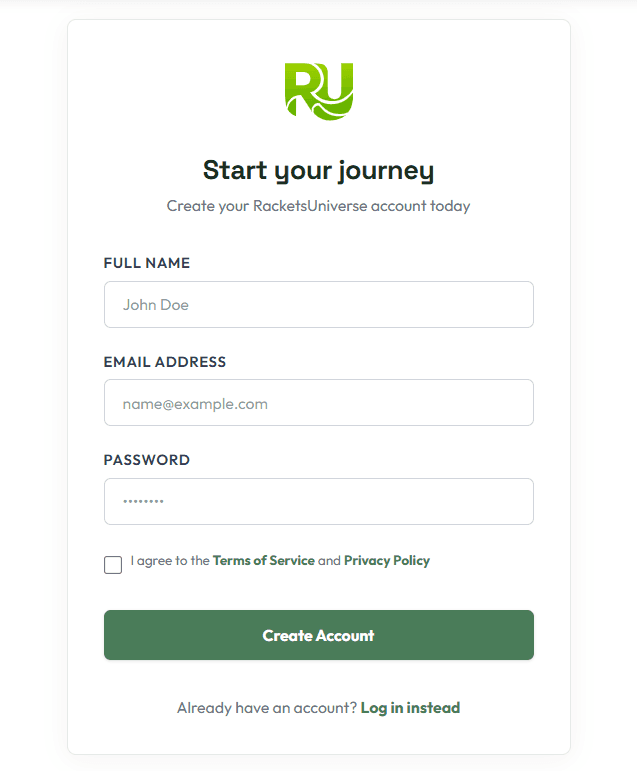
Create Account
Simply sign up with your email and password to join the RacketsUniverse community and unlock personalized tennis insights. Already have an account? Just log in and continue right where you left off.
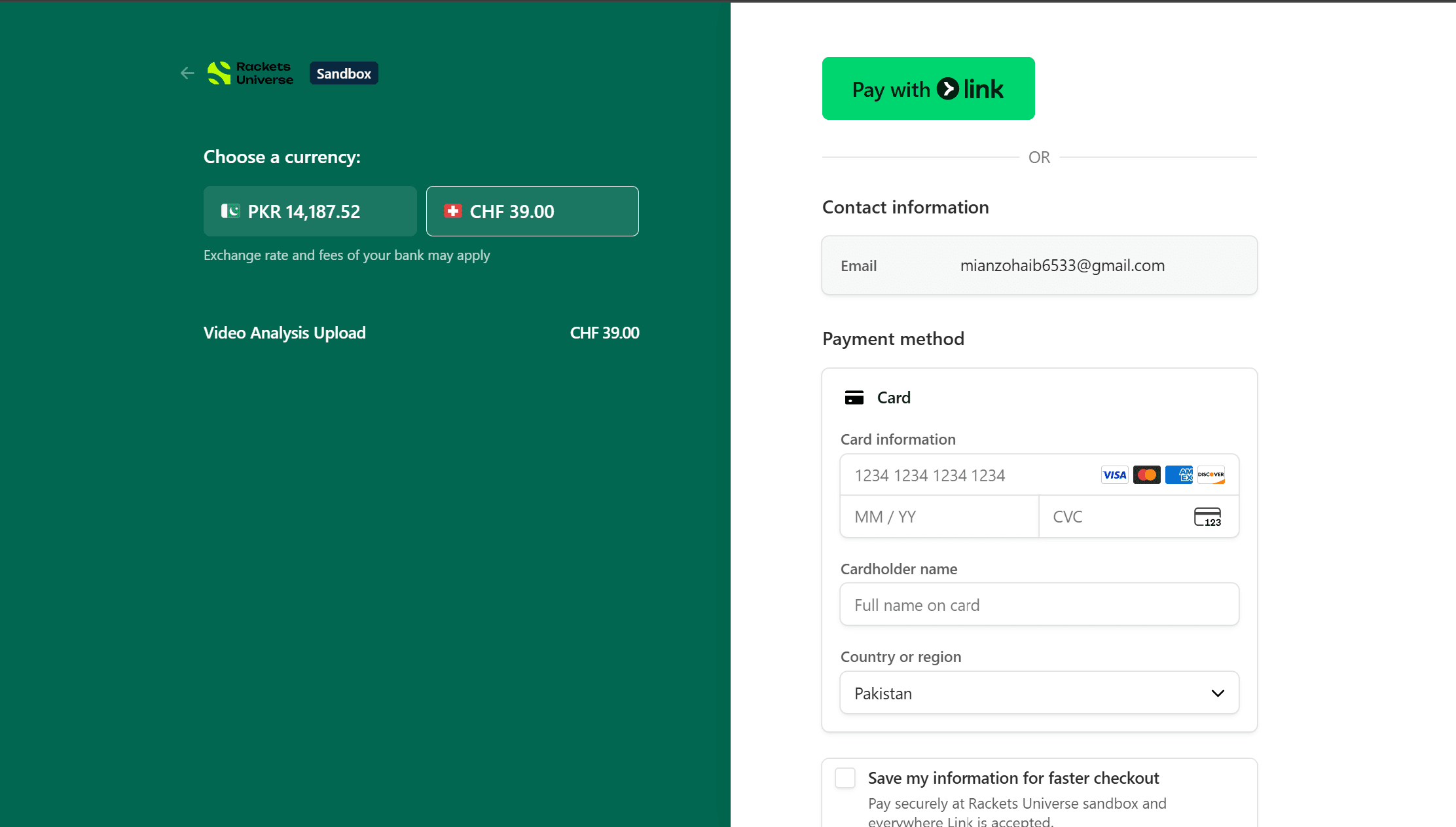
Pay for Your Video
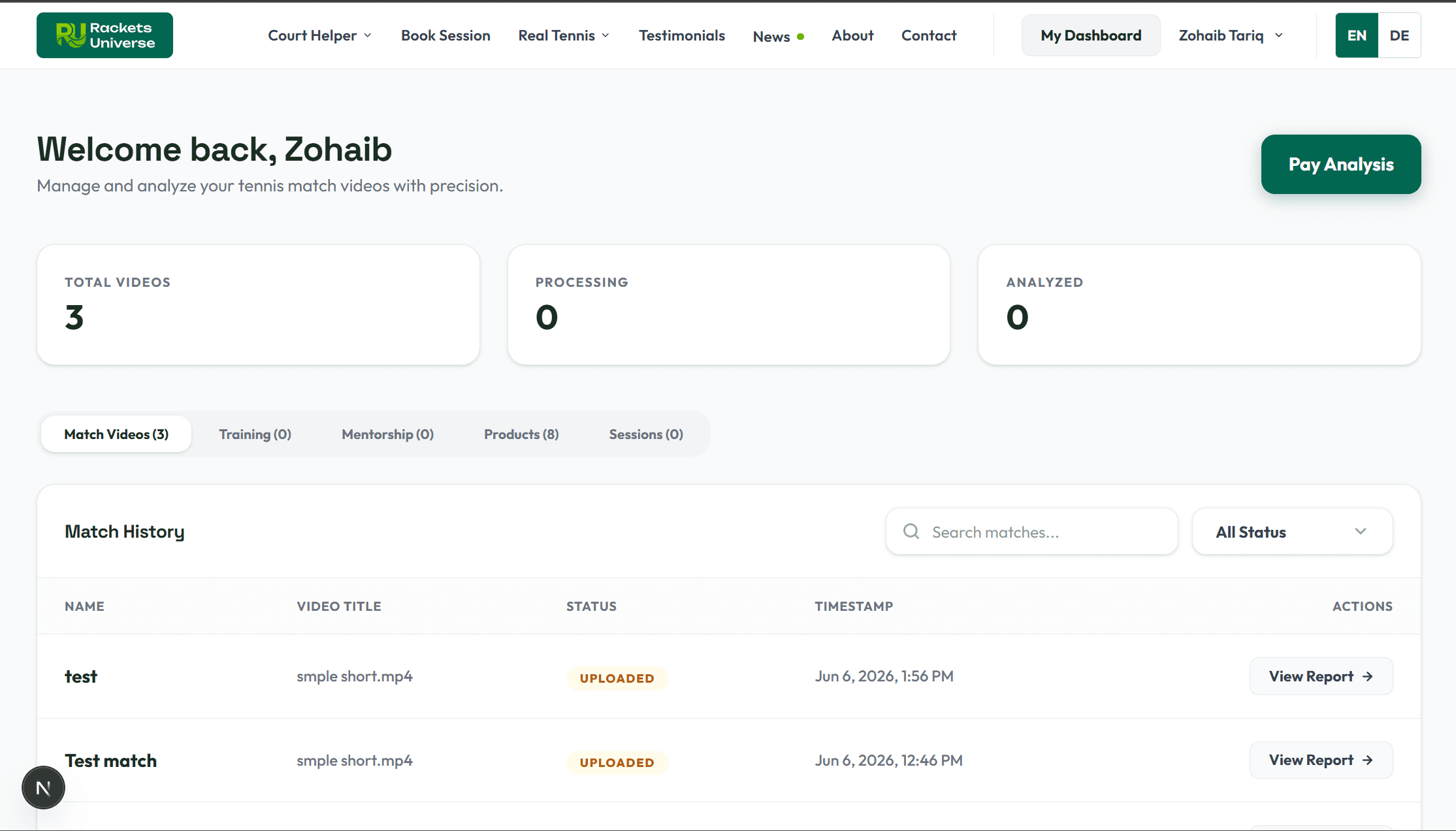
Click the 'Pay Analysis' button to proceed to our secure payment page powered by Stripe. You will be redirected to Stripe Checkout, where you can safely complete your payment of CHF 39. Once the payment is successful, you will automatically move to the Thank You Page.
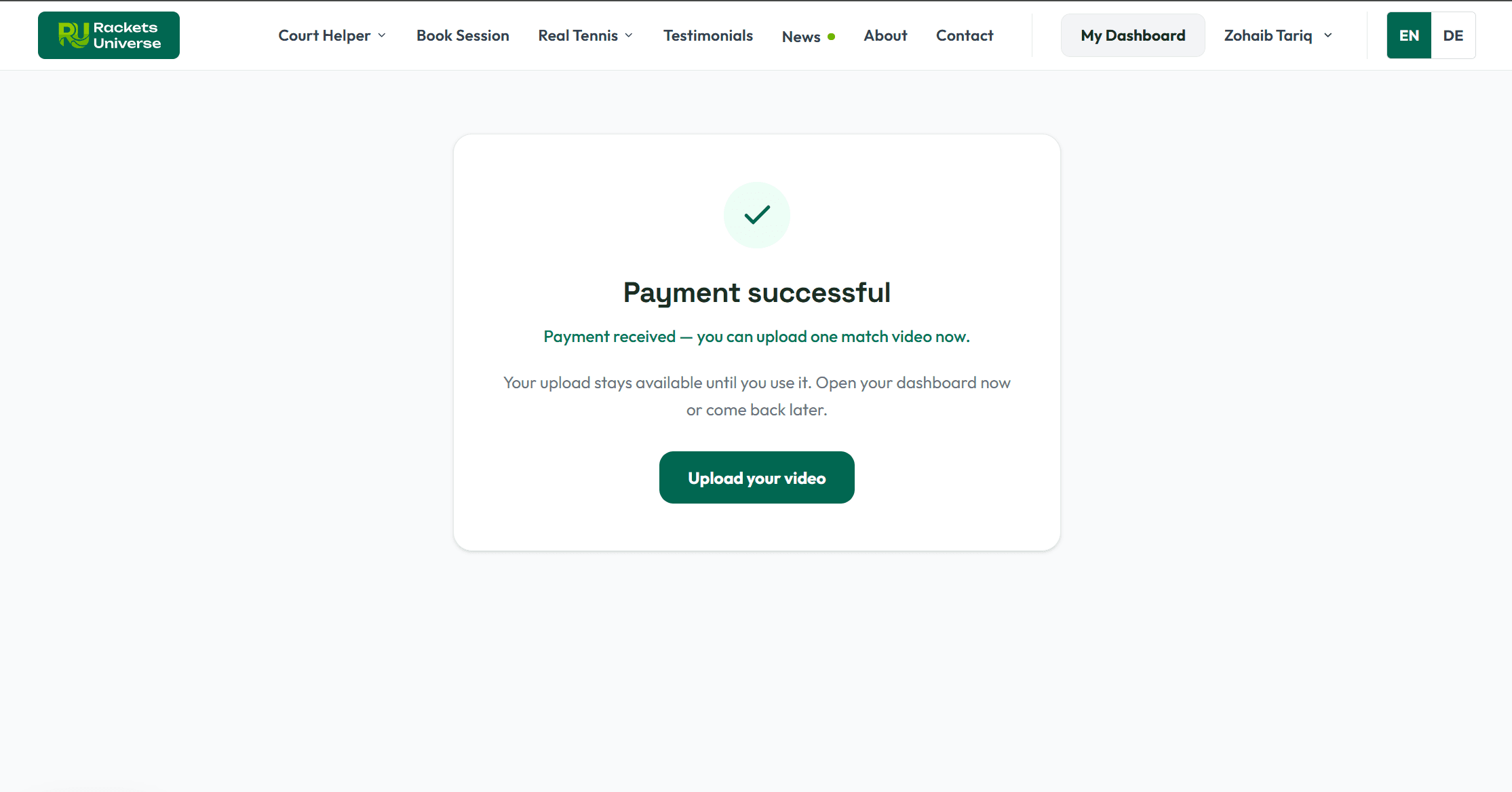
On Payment Success
After your payment has been successfully completed, you will be redirected to the Thank You Page. From there, click the 'Upload Video' button to access your dashboard.
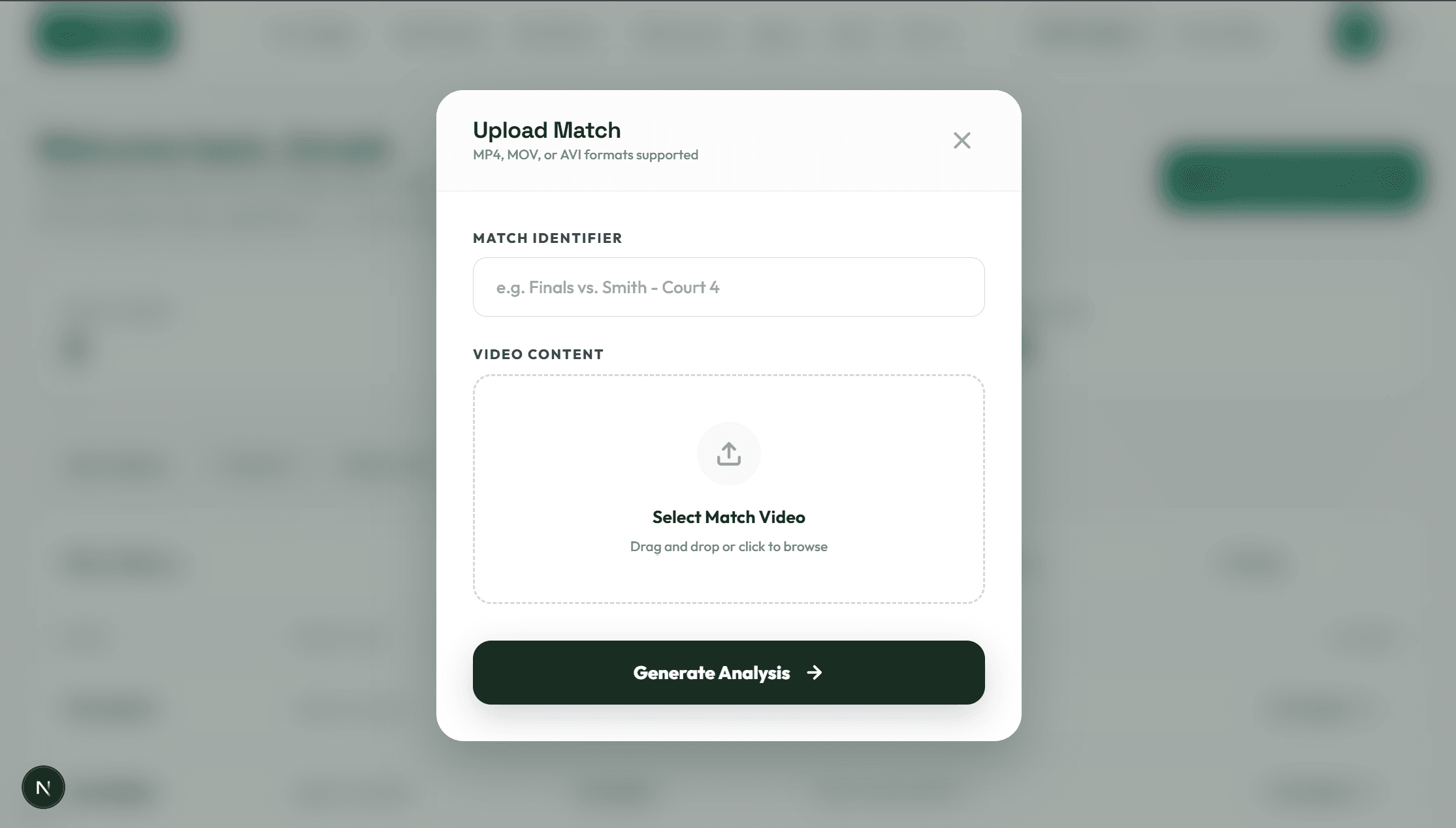
Upload Video
On Dashboard, the upload popup will appear on your dashboard (you can also click 'Upload Match Video' to open it). Enter the name of your video, choose your file, and then click 'Generate Analysis' to start processing.
Track Your Progress
You can track your progress in the dashboard. All your uploaded videos will appear at the bottom of the page under ''Match History'', along with their current status. You will also be notified via email whenever your status changes.
Get Started
Start Analysis - CHF 39